Asset Management System with Barcode & QR Code
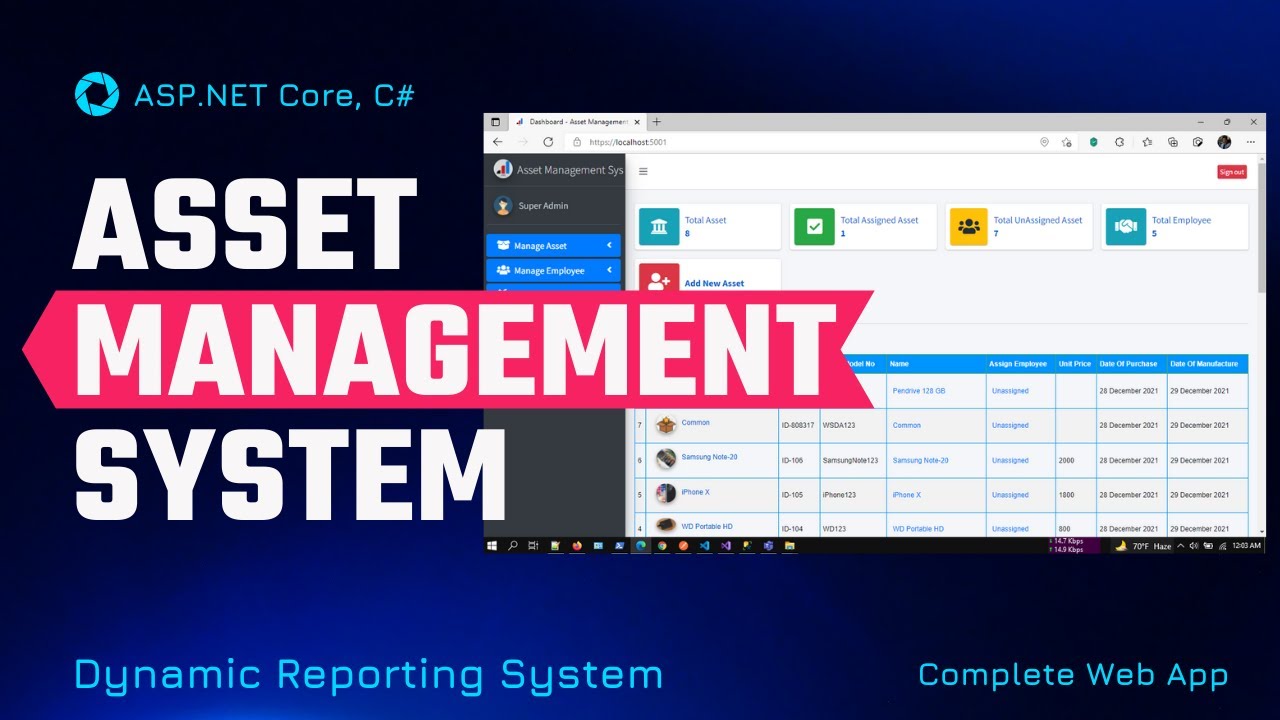
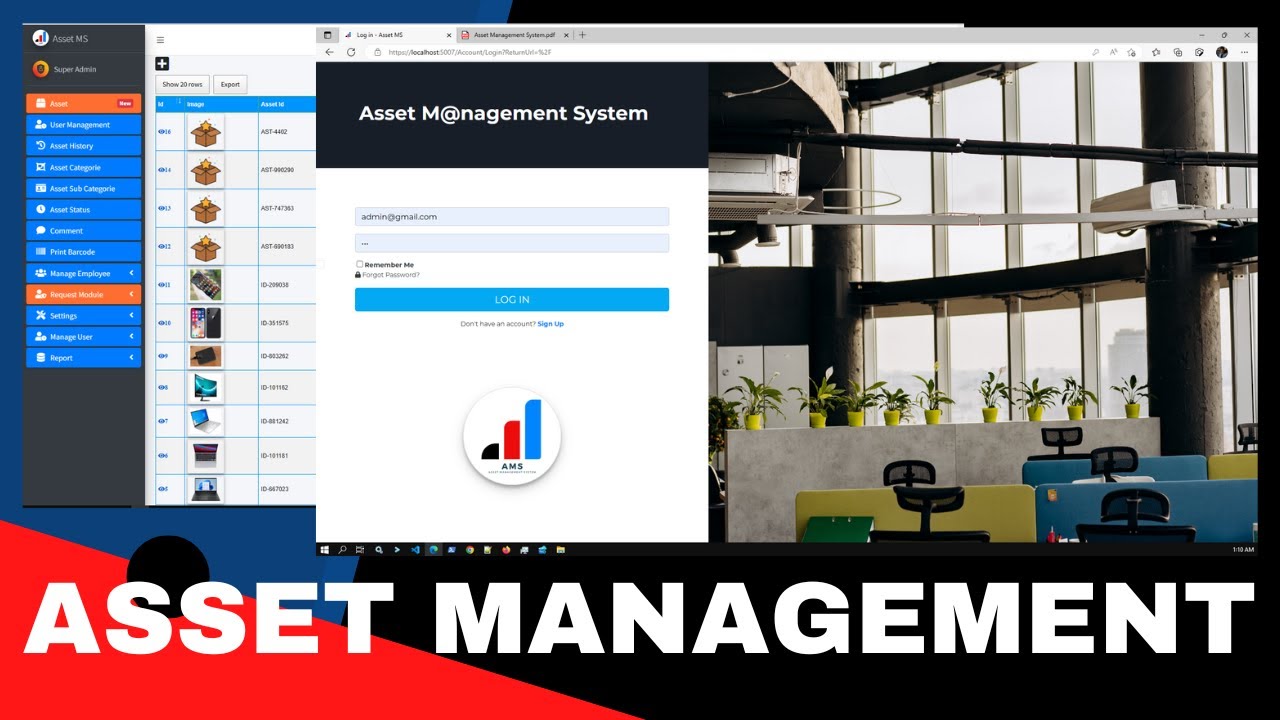
A multi-functional complete web application to manage all kinds of assets for your company through proper monitoring and dynamic reporting system. Track hardware, software, and asset lifecycle seamlessly.
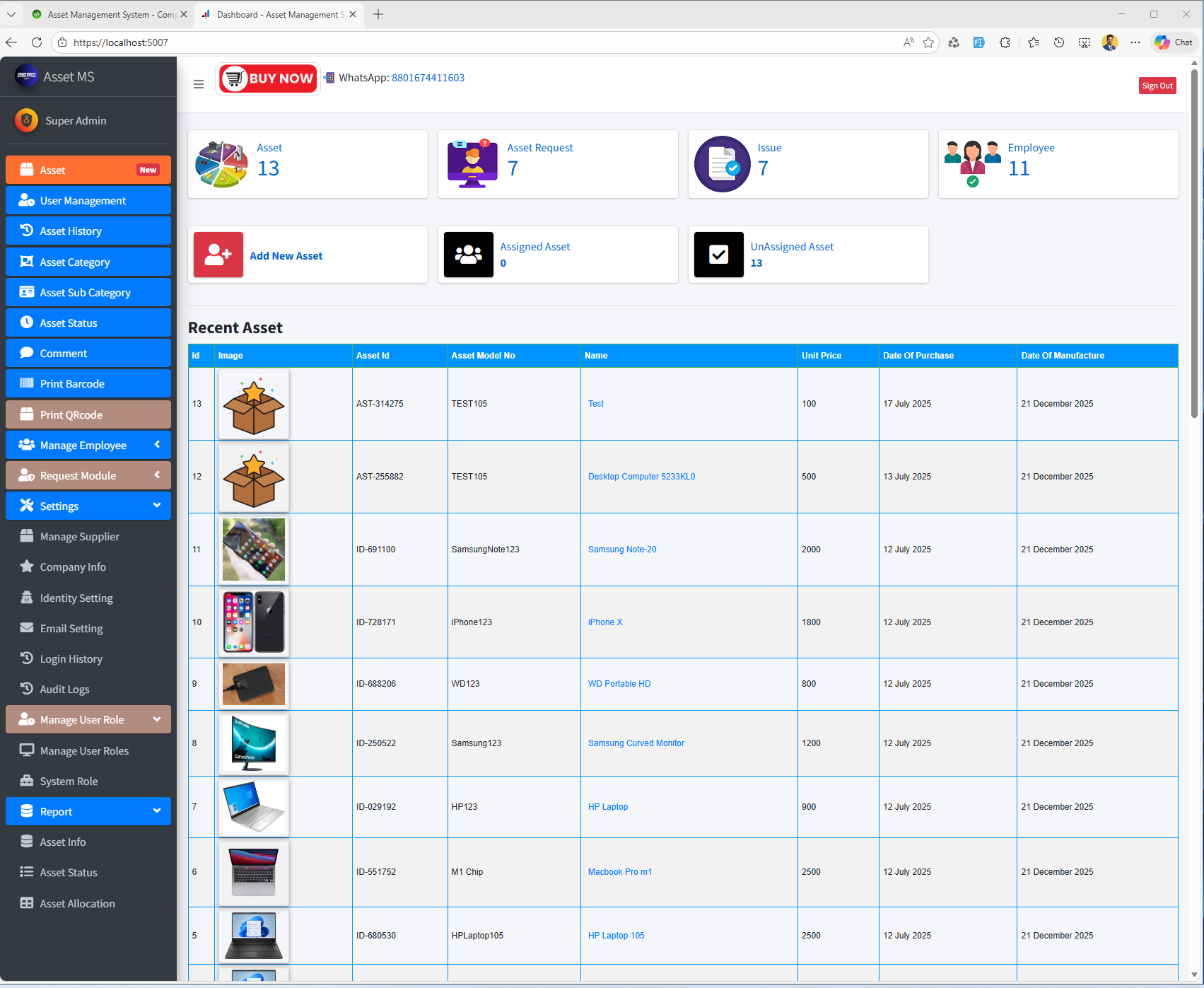
Core Features
Everything you need to manage your organization's assets efficiently
Software Inventory Management
Manage all software licenses, track installation dates, expiry dates, and monitor software usage across your organization.
- License tracking
- Expiry alerts
- Usage monitoring
Hardware Inventory Management
Track all hardware assets including computers, printers, hard disks, and peripherals with complete purchase and assignment history.
- Equipment tracking
- Employee assignment
- Purchase history
Asset Life Cycle Management
Monitor complete asset lifecycle from purchase to disposal. Track utilization, maintenance, and depreciation over time.
- Lifecycle tracking
- Utilization reports
- Depreciation calculation
Asset History Tracking
Complete audit trail of all asset changes including assignments, status updates, transfers, and maintenance records.
- Change tracking
- Audit trail
- Status history
Barcode & QR Code
Generate and print barcodes/QR codes for assets. Scan to quickly access asset information and update status.
- Barcode generation
- QR code support
- Bulk printing
Supplier Management
Manage all your suppliers in one place. Track supplier information, purchase history, and performance metrics.
- Supplier database
- Purchase tracking
- Performance metrics
User Management
Role-based access control with admin, IT manager, and custom roles. Control page access and permissions.
- Role management
- Access control
- Custom permissions
Dynamic Reporting
Generate comprehensive reports with filtering options. Export to PDF, Excel, and other formats.
- Custom reports
- Export options
- Real-time data
Dynamic Dashboard
Real-time analytics and insights. Monitor asset status, assignments, and key metrics at a glance.
- Real-time analytics
- Visual charts
- Key metrics
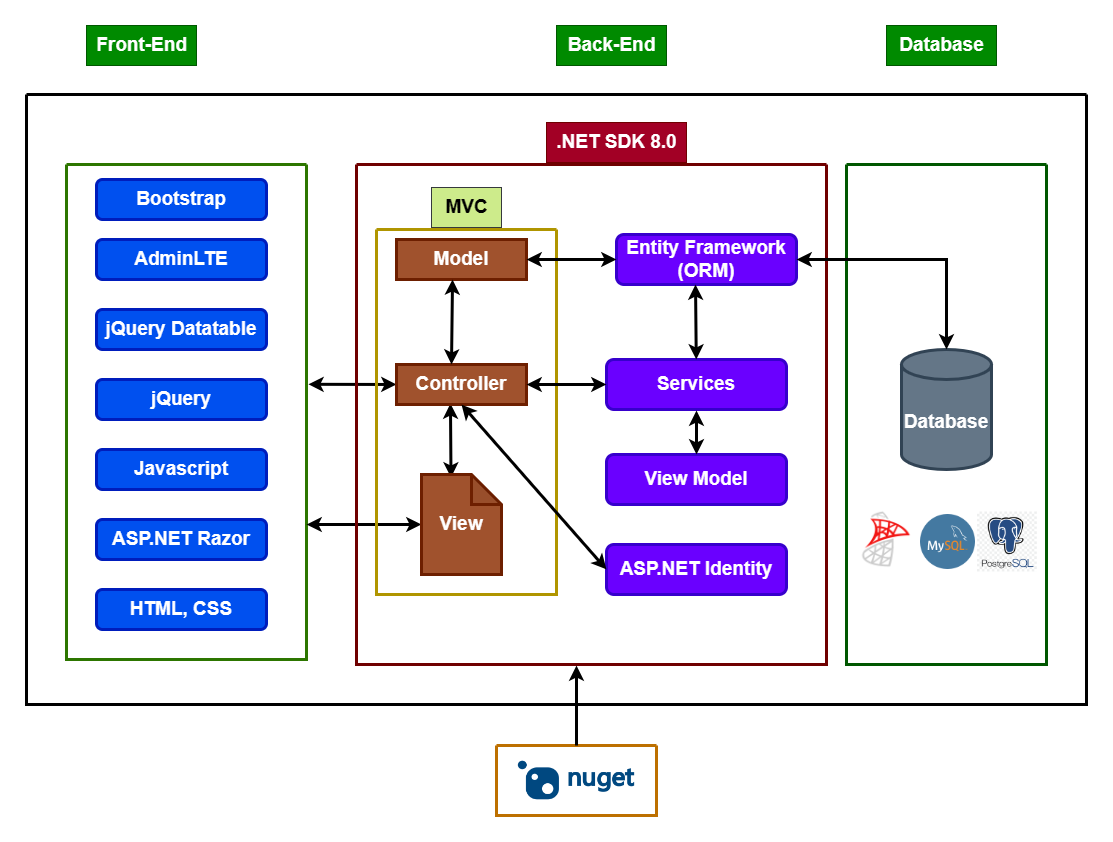
Technology Stack
Built with modern and reliable technologies
ASP.NET Core 8.0
Latest .NET framework
Entity Framework Core
Code-first approach
MS SQL Server 2017
Robust database
Identity Core
Secure authentication
Bootstrap 4
Responsive design
jQuery & JavaScript
Interactive UI
DataTables
Advanced grids
AdminLTE 3.0.5
Professional theme
Watch Demo Videos
See how the system works
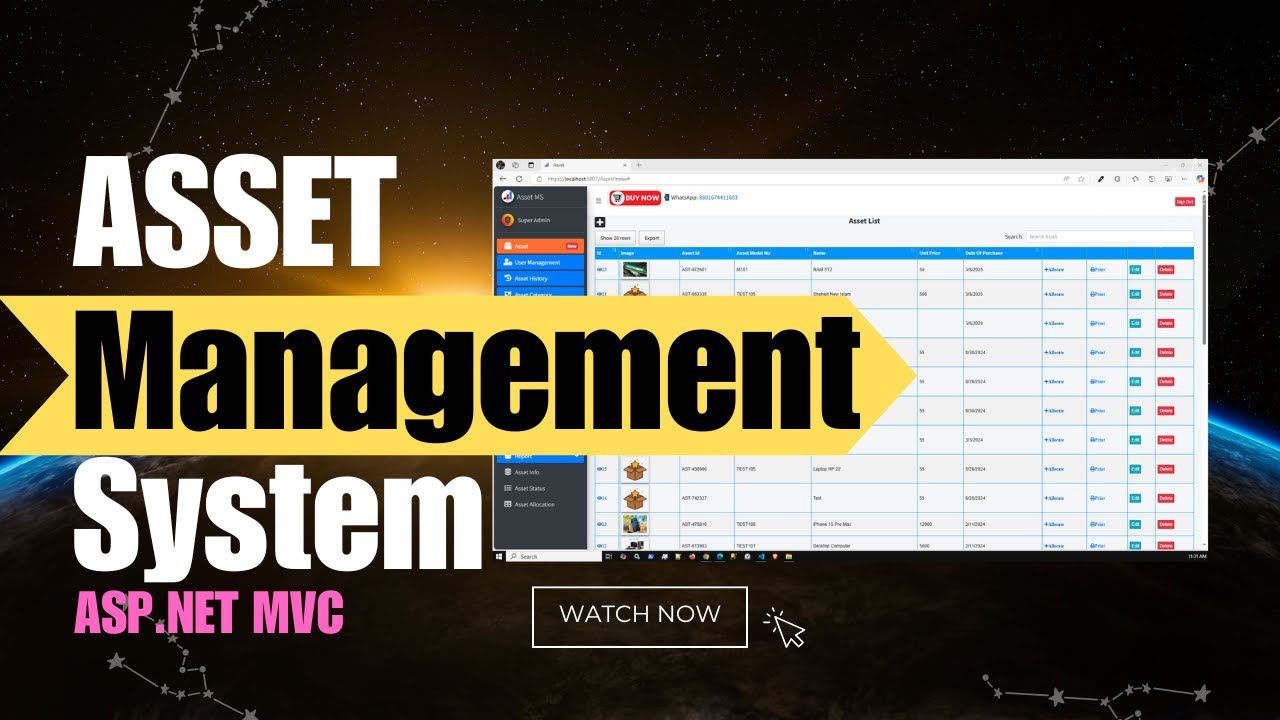
Complete System Demo with Barcode & QR Code
Full walkthrough of the Asset Management System features
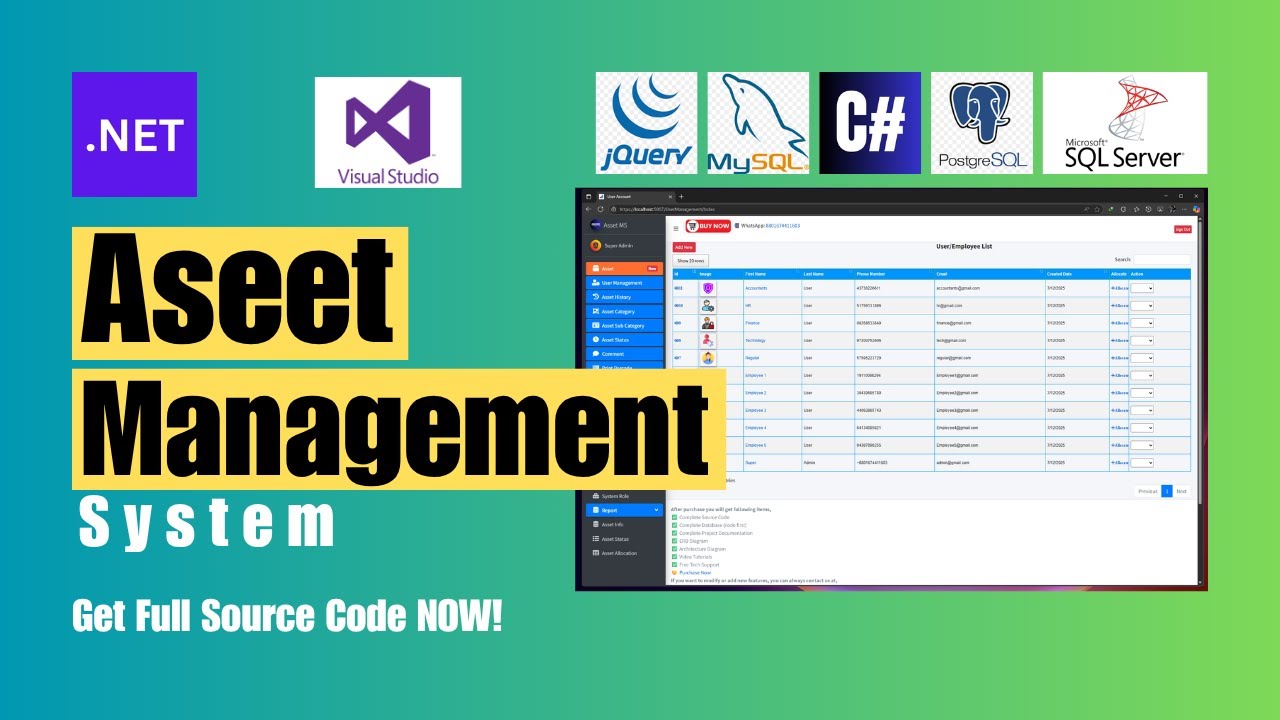
Version History
Regular updates and improvements
- Added Total price entity in assets UI
- New feature: Assign Asset by quantity
- Report updates and improvements
- Login time improved
- Added asset quantity field option
- Multiple barcode print option
- Multiple QR code print option
- Bug fixes and optimization
- Updated package versions
- Login time optimized
- Minor bug fixes
- Updated to .NET 8.0
- New Report: Asset Info with filtering
- All warnings fixed
- UI updates
- Minor bug fixes
- One Asset assigned to multiple employees
- Add multiple assets to employee
- Refactor and UI update
Installation Guide
Get started in minutes
Unzip Downloaded Folder
Extract the Sln.AMS.zip file to your desired location
Open Solution File
Open Sln.AMS.sln with Visual Studio 2019 or later
Update Database Connection
Update connection string in appsettings.json:
"DefaultConnection": "Server=YOUR_SERVER;Database=AMSDev;User ID=sa;Password=YOUR_PASSWORD"
Build and Run
Press F5 to build and run the application. No need to create migrations!
Access at:
https://localhost:44374/
Prerequisites
Simple, Transparent Pricing
One-time payment, lifetime access
Asset Management System
Complete solution with full source code
What's Included:
-
Complete Source Code Full ASP.NET Core 8.0 project
-
Database (Code First) Entity Framework migrations included
-
Complete Documentation Installation & user guides
-
ERD & Architecture Diagrams Visual database structure
-
Video Tutorials Step-by-step video guides
-
Free Tech Support Get help when you need it
-
6 Months Free Updates New features at no extra cost
-
Lifetime License Use forever, no recurring fees
Accepted Payment Methods:
Need Help?
We're here to support you
Frequently Asked Questions
Got questions? We've got answers
Do I get the full source code?
Yes! You get complete, unencrypted source code with full access to modify and customize as needed.
Is there any monthly fee?
No! It's a one-time payment of $49. Use it forever with no recurring fees or subscriptions.
Can I use this for multiple clients?
Yes! You can use it for multiple projects and clients. Perfect for freelancers and agencies.
Do you provide installation support?
Yes! We provide free technical support via WhatsApp, Telegram, Skype, and Email.
Can I request custom features?
Absolutely! Contact us for custom development. We offer paid customization services.
How do I get updates?
You get 6 months of free updates. After that, you can purchase extended support or continue using your current version.
Ready to Streamline Your Asset Management?
Join 135+ satisfied customers who are already managing their assets efficiently
Secure payment • Instant download • Free support